
Free · Private · Works offline
Talk and it types. Ums not included.
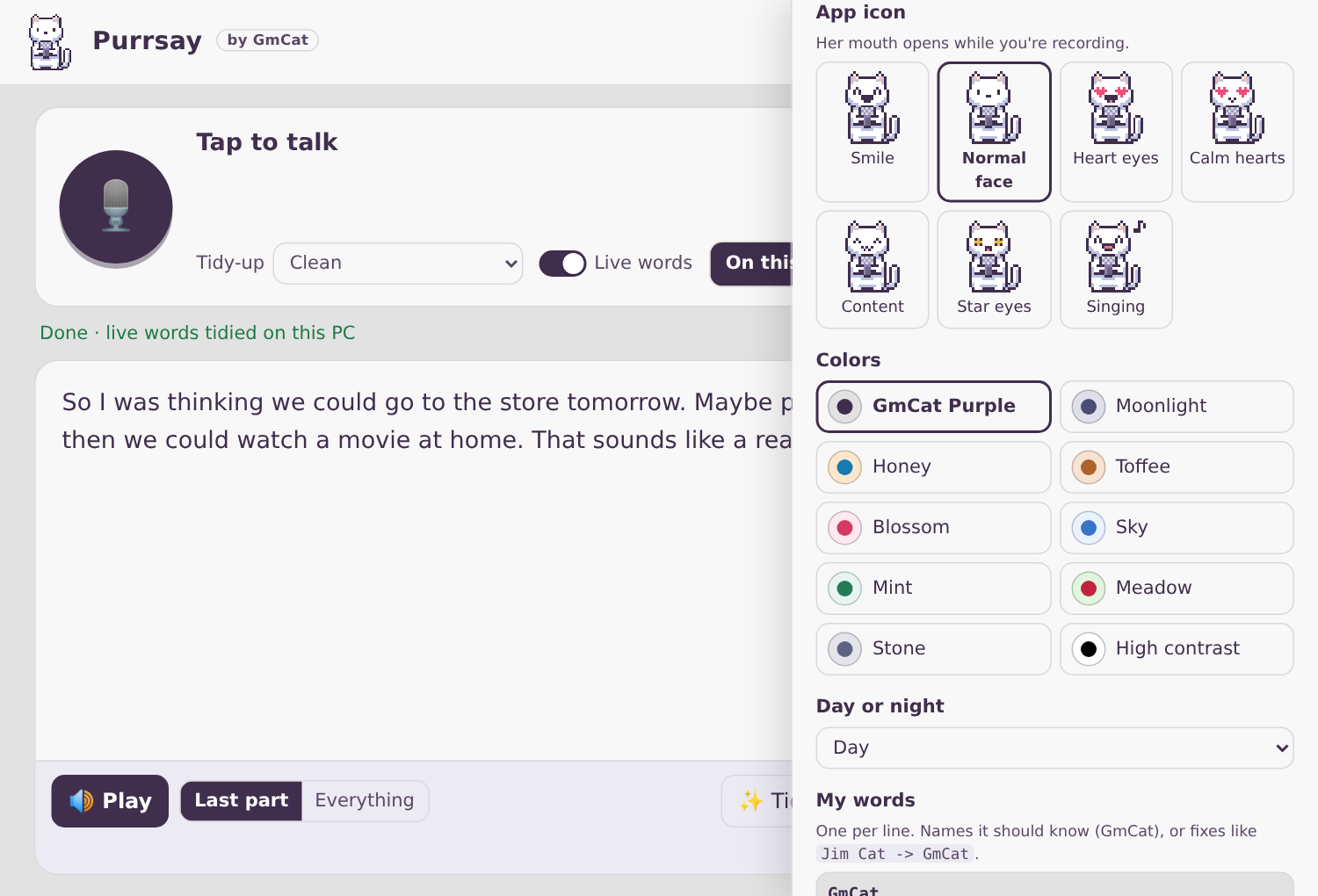
Purrsay turns your voice into text on your computer, with punctuation in the right places and the ums and repeats taken out. Fix anything you like, then copy it anywhere. Your voice never leaves your computer.


How it works
1. Tap the mic
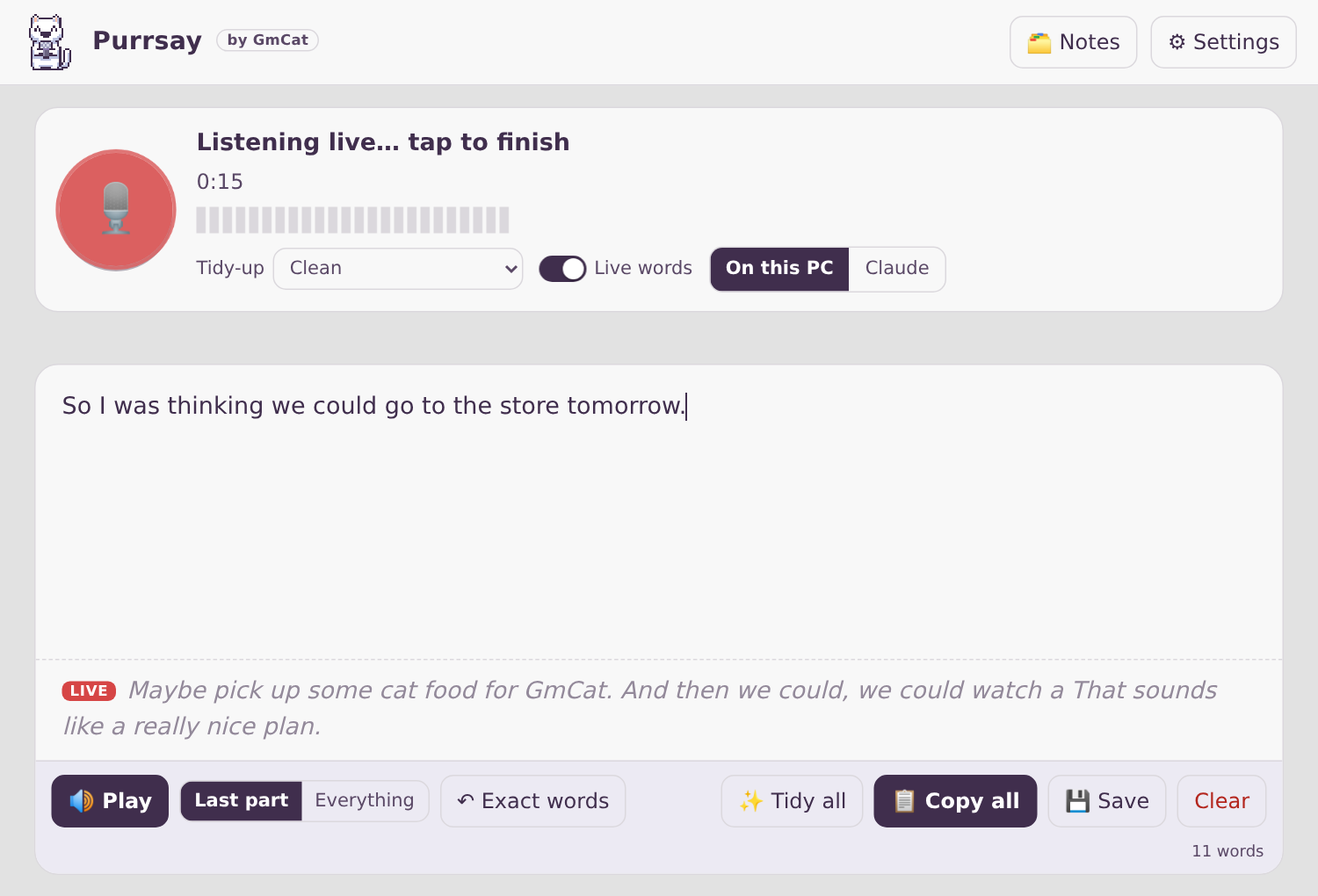
Or press Ctrl+Space. Words go wherever your cursor is in the text box.
2. Just talk
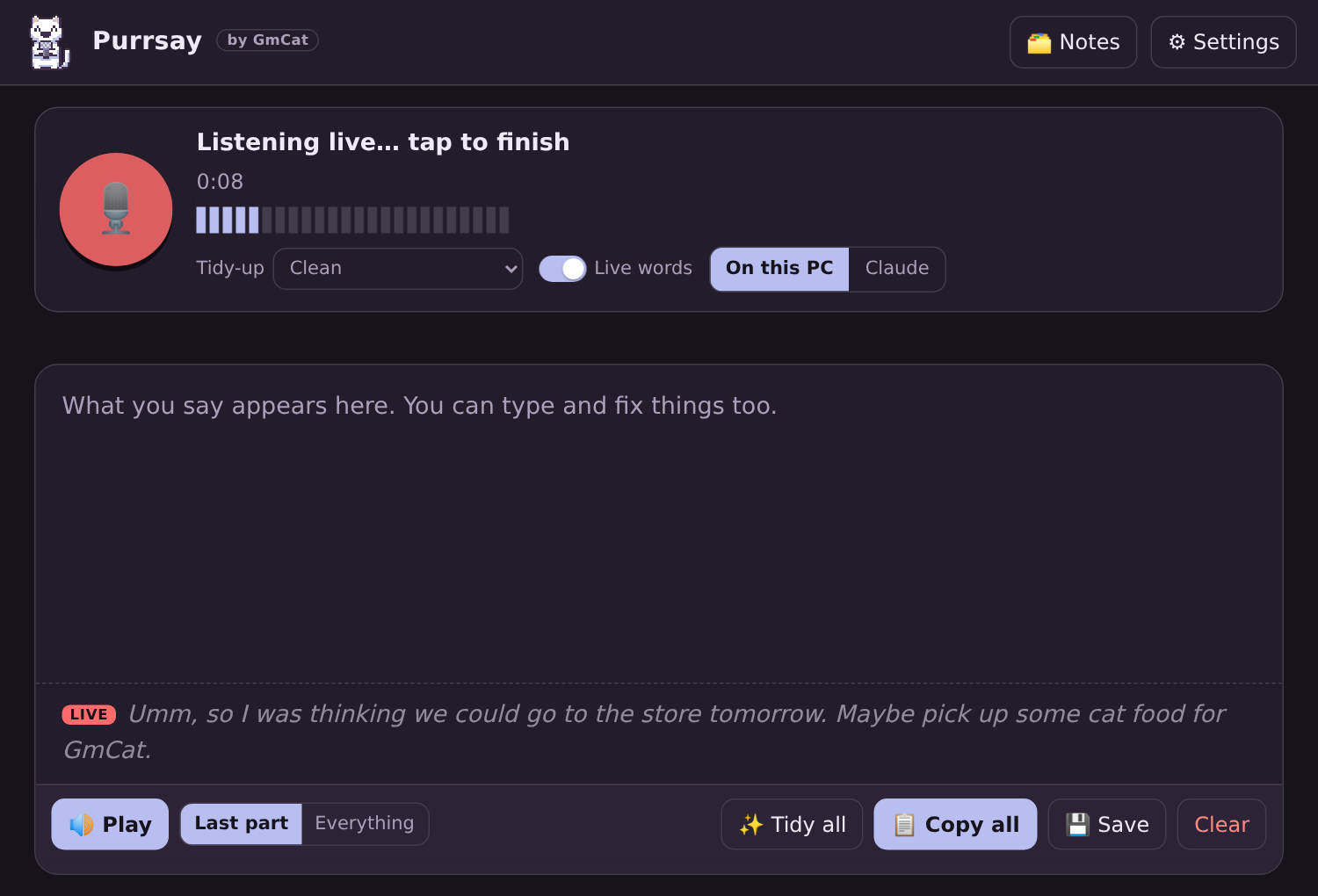
Say it the way you'd say it to a friend. With Live words on, you see your words as you go.

3. Copy it anywhere
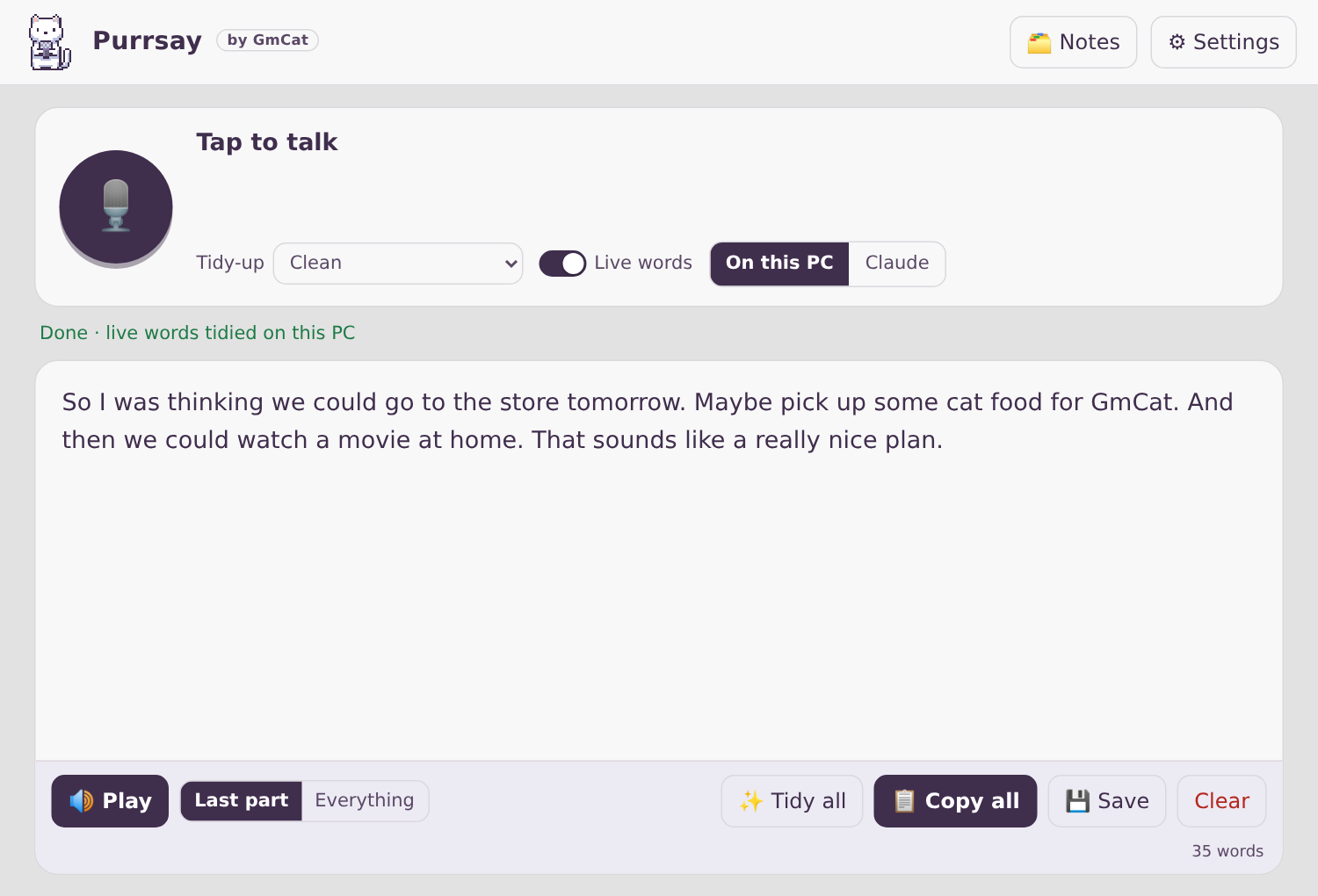
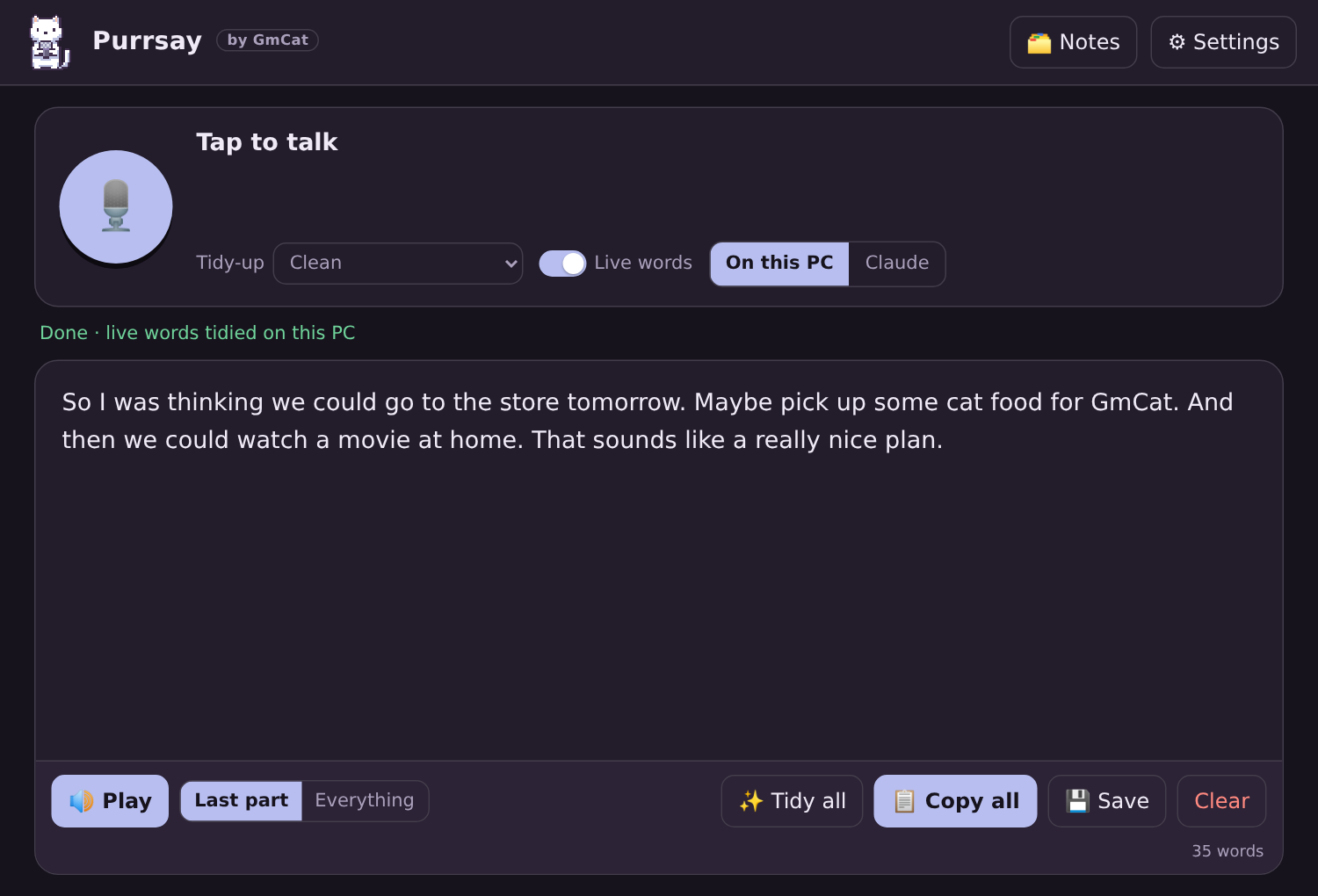
The text comes out tidied. Fix anything, press Copy all, paste it into an email, a chat or a document. Or press Play to hear it.
What it does

Tidy-up your way
Exact word for word, Clean with punctuation and no ums or repeats, or Polished with small grammar fixes too. "Exact words" puts back what you really said.

Live words
Turn on Live words to watch your sentences appear as you speak. Each one is tidied at the pause.

Hear it back
Press Play and a natural voice reads the last part, everything, or just what you select. Two voices, any speed.

Private by design
Listening, tidy-up and the read-back voice all run on your computer. No account, no tracking, nothing uploaded.

Knows your words
Teach it names it should spell right, and fixes like "Jim Cat → GmCat". Spell check underlines anything else.
Made for you
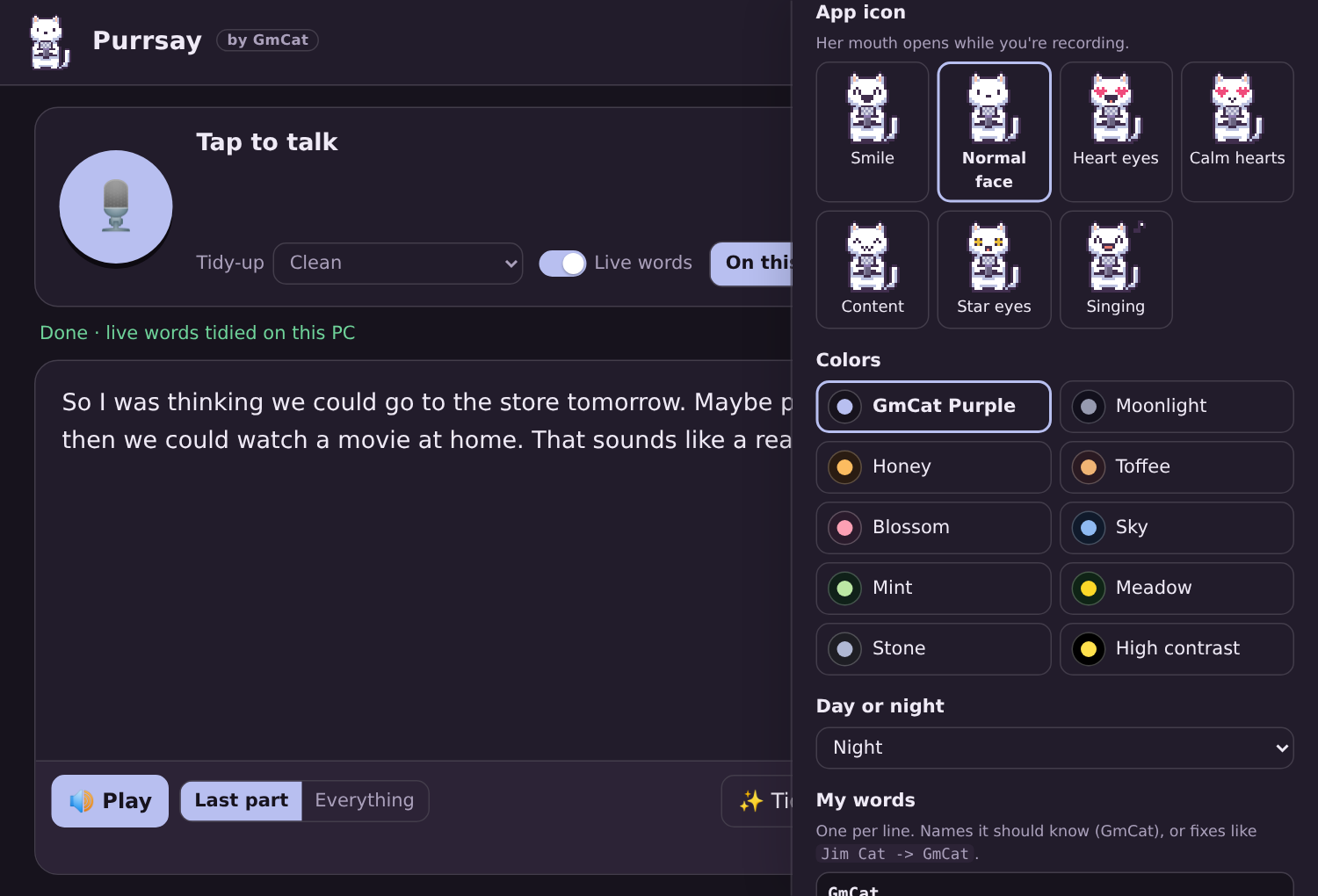
Ten color themes with day and night, seven GmCat icons (her mouth opens while you talk), and saved notes.
Sends your voice to a company's servers, then leaves you fixing every comma and "um" by hand.
Listens on your own computer, puts the punctuation in, takes the ums out, and works on a plane.
Download
Version 0.4.0. Free, from GmCat's page on GitHub. All files and what's new
Windows 10 / 11
- Open the downloaded Purrsay-Windows-setup.exe. It installs just for you, no admin password.
- Purrsay isn't code-signed yet, so Windows may say "Windows protected your PC": click More info, then Run anyway.
- Open Purrsay from the Start menu. The first time, it downloads its listening and voice files once (about 1.9 GB). After that it works offline.
64-bit PC from about 2013 or newer, about 2.5 GB free space. Opens in Microsoft Edge's app mode (already on every Windows PC).
Mac
Mac with Apple chip (M1 and newer) Mac with Intel chip
- Not sure which? Apple menu → About This Mac: "Chip: Apple M…" means Apple chip.
- Open the downloaded file and drag Purrsay into Applications.
- Open Purrsay. It isn't notarized by Apple yet, so the first time macOS stops it: open System Settings → Privacy & Security, scroll down and click Open Anyway. You only do this once.
macOS 11 or newer. Best with Chrome, Edge or Brave installed (Safari works too). Reads back with your Mac's own voices.
Linux
- Unpack the file (double-click it, or
tar -xzf Purrsay-Linux.tar.gz). - In the Purrsay folder, run
./install.sh. No password needed. - Open Purrsay from your app menu. The first time, it downloads its listening and voice files once (about 1.9 GB). After that it works offline.
64-bit PC from about 2013 or newer, Linux from 2020 or newer, about 2.5 GB free space. Best with Brave, Chrome, Chromium, Edge or Vivaldi installed (any browser works).
Android
- Open the downloaded Purrsay-Android.apk. If Android asks, allow your browser to install apps (you can switch it off again after).
- If Play Protect says it doesn't know the app, tap More details → Install anyway.
- Open Purrsay and let it use the microphone. The first time, it downloads its listening file once (148 MB; Wi-Fi recommended). After that it works offline.
Android 8 or newer, 64-bit. Listening and tidy-up run on your phone; read-back uses your phone's own voice. The bigger tidy-up model and Claude are computer-only for now.
Honest answers
Is it really free?
Yes. Purrsay is made by GmCat and is open source. No ads, no account, nothing to buy inside the app.
Does my voice leave my computer?
No. Listening, tidy-up and the read-back voice all run on your computer. The only exception is an option you'd have to choose yourself: if you have Claude Code installed and pick "Claude" for tidy-up, the written text (never the audio) is sent to Anthropic to be tidied.
Does it work offline?
Yes. After the one-time download of its listening and voice files, everything works without the internet: on a plane, on the subway, anywhere.
Why does it download 1.9 GB the first time?
Those are the listening model, two voices and the small tidy-up model that let Purrsay work without any server. The tidy-up model (1.1 GB) is optional. Every file comes from Hugging Face and is checked against its published fingerprint before Purrsay uses it.
Is the phone version different?
It's the same Purrsay, with listening, live words, read-back, notes, themes and icons. Two differences: tidy-up on a phone is the basic kind (punctuation, ums and repeats removed, your word fixes), and it uses the fast listening model unless you also download "Accurate listening" (488 MB).
Which languages?
English for now.
Why does it open in a browser window?
Purrsay's window is a small app page shown by a browser you already have (Microsoft Edge on Windows; Chrome, Edge or Brave on a Mac, or Safari; Brave, Chrome, Chromium, Edge or Vivaldi on Linux), with its own separate profile. It never touches your main browser profile, and the page only talks to Purrsay on your own computer.
Can I check what I'm installing?
Yes. The code is public, every download is built by GitHub from that code, and you can check a file's fingerprint at apps.gmcat.io/verify.
How do I remove it?
Windows: Settings → Apps → Installed apps → Purrsay → Uninstall. Android: press and hold Purrsay → Uninstall. Mac: drag Purrsay from Applications to the Trash (your notes stay in ~/Library/Application Support/Purrsay). Linux: run ~/.local/opt/purrsay/uninstall.sh. Both ask before deleting your notes and downloaded files.
Why does Windows or my Mac warn me when I install it?
Purrsay isn't signed with a paid developer certificate yet, so your computer doesn't know who made it. That's planned. The code is public and every download is built by GitHub from it, so you can check exactly what you're running.
Found a problem? Have an idea?
Tell us on GitHub, at support@gmcat.io, or say GM to @GmCatIO.